Part of our guide to the Business Suite. More guides on this topic
Most founders do not have an automation problem. They have a subscription problem: a dozen tools, each adopted in a burst of optimism, while the actual work still happens by hand at 11pm.
The adoption race is real. The U.S. Chamber of Commerce reports 58% of small businesses now use generative AI, up from 40% in 2024 and just 23% in 2023. Its 2026 survey puts overall AI use, in some capacity, at 89% of small businesses. Whatever your industry, the competitor across town has probably automated something this year.
We watch this from the front desk: hundreds of small businesses run out of this building. The ones that get real leverage from AI share a pattern, and it is not "more tools." Here is the pattern, the three automations that actually hold, and the discipline that keeps the software bill from eating the benefit.
Two myths to drop first
"AI is for technical people." The current tools are conversational. If you can write an email describing what you want, you can use them. The Chamber's numbers make the same point from the other direction: adoption more than doubled in two years, and small business owners did not all learn to code in that window. The skill that matters is knowing your own process well enough to describe it.
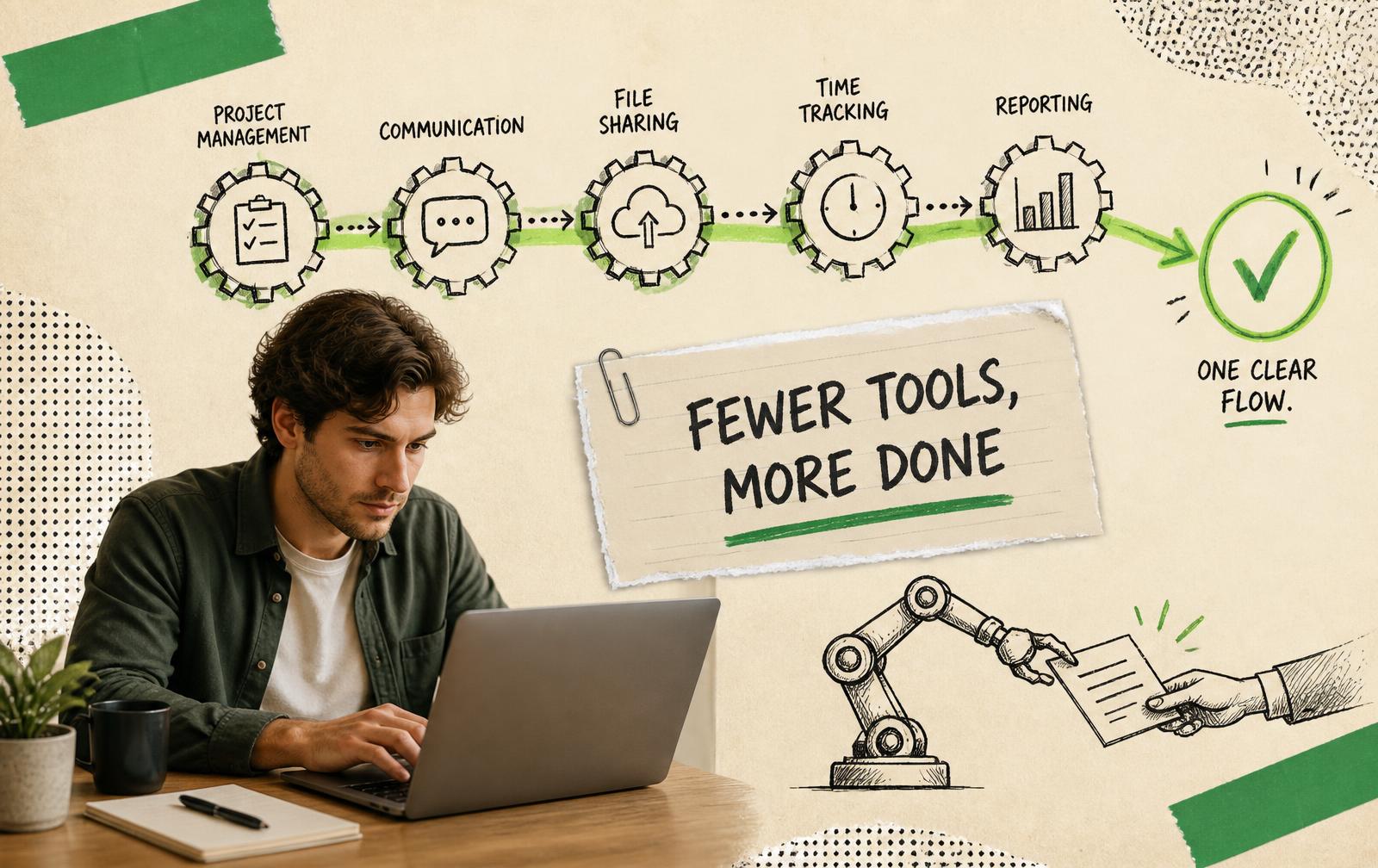
"More tools means more results." Every tool adds a login, a bill, and a place where information goes to die. The founders who win pick few tools and go deep; the ones who drown collect subscriptions as a substitute for deciding. If your stack has two tools that do the same job, you do not have redundancy. You have a decision you are avoiding, billed monthly.
The three automations that actually hold
Watch what actually sticks across the businesses in this building and it is remarkably consistent. Three categories survive past the first month.
1. First-draft writing
Emails, proposals, job posts, follow-ups, review responses, blog drafts. AI writing tools produce the 70% version in seconds; you supply the judgment and the voice.
Concrete examples of where members use it daily:
- The follow-up email after a sales call: dictate three bullet points, get a clean draft, fix the tone, send
- Job postings: describe the role conversationally, edit the structured result
- Responses to routine customer questions: drafted instantly, personalized in one pass
- Turning recorded content into written drafts: we reviewed Blogify for exactly this workflow
The discipline that makes this work: never send the raw draft. The draft is the starting line. The businesses that get burned are the ones that publish or send unedited output. And customers can tell.
2. The handoffs between systems
The invoice that becomes a bookkeeping entry. The form submission that becomes a CRM contact. The appointment that becomes a calendar block, a confirmation email and a reminder text. The new customer who gets added to the mailing list.
None of these require AI at all (connector tools like Zapier and Make have done this for years without code), and each one you set up deletes a recurring chore permanently. This is the least glamorous category and the highest return, because handoffs are where things get dropped: the lead that never made it into the CRM, the invoice that never made it into the books, the no-show who never got a reminder.
Start with one. The form-to-CRM connection takes an evening and pays back weekly, forever.
3. The front door
Scheduling links instead of email ping-pong. An intake form instead of "tell me about your project" calls that repeat the same twenty questions. Auto-replies that set response expectations honestly. A chatbot or FAQ page that resolves the five questions you get every week.
None of this is exotic, and together it gives a solo operator office hours that look like a staffed company's. One member, a solo attorney, cut her intake calls from forty minutes to fifteen simply because the form collected the facts before the phone rang.
Notice what is not on the list: strategy, pricing, hiring, the actual craft you sell. Automate the movement of information. Keep the judgment human.
What not to automate
The failure stories are as consistent as the successes:
- Anything a customer reads as personal. Automated "just checking in!" sequences that pretend to be handwritten burn trust when discovered. And they get discovered.
- Final review of anything with your name on it. Contracts, quotes, published posts. The tool drafts; you sign.
- Customer service beyond the first exchange. Let automation answer the repetitive and route the rest to a human fast. Customers forgive a bot that says "let me get a person." They do not forgive one that pretends.
- Anything you do not understand manually yet. Automating a fuzzy process gives you a fast fuzzy process. Do it by hand until the steps are boring, then automate the boredom.
How to choose without drowning
- Start from the chore, not the tool. Write down the three tasks you resented most this week. Buy nothing that does not kill one of them.
- One tool per job. Two overlapping tools means neither is trusted; consolidate ruthlessly.
- Free tier first, then commit annually. Every serious tool has a trial. Prove it against your real work for two weeks, then take the annual discount. Month-to-month forever is how a $20 tool becomes a $500 line item.
- Check the exit before you enter. Can you export your data? The tools reviewed worst in every category are the ones that hold your work hostage.
- Schedule a quarterly cull. Open the card statement, cancel anything you cannot name a recent use for. This one habit funds all the others.
Our members get Business Suite discounts on several tools in these categories (hosting, CRM, e-sign, AI writing), and the resources directory lists what we have actually vetted, with honest notes on who each suits.
A one-week reset
- Day one: list every subscription and its real annual cost. The total usually surprises.
- Day two: cancel what you cannot defend. Be ruthless; anything genuinely missed can be re-subscribed in five minutes.
- Day three: set up one writing workflow: pick the email or document type you produce most.
- Day four: build one connector automation, form-to-CRM or invoice-to-books.
- Day five: fix the front door: a scheduling link and an intake form.
Done. You now have a smaller bill and a system, which beats a bigger bill and a junk drawer.
Frequently asked questions
Is AI going to replace me or my staff?
It replaces tasks, not judgment. The pattern across this building: AI absorbs the drafting, the data entry and the scheduling, and the humans absorb more of the work only humans do. Selling, deciding, showing up. The founders at risk are not the ones using AI; they are the ones competing against the 58% who already do.
Why do I own fourteen subscriptions and still do everything by hand?
Because buying a tool feels like progress and configuring one feels like work. A tool you have not wired into a real process is a monthly donation. Cancel it or configure it. Those are the only two respectable options.
What is the first thing I should automate?
The task you did three times this week that required zero judgment. For most service businesses it is scheduling; for most sellers it is the invoice-to-books handoff. Start where the resentment is.
Do I need to be technical?
No. Adoption went from 23% to 58% of small businesses in two years, per the U.S. Chamber, and those owners did not learn to code. The current tools are built for people who can describe what they want in a sentence. What you do need is to actually know your process. Automation exposes fuzzy processes ruthlessly.
How much should a small business spend on software?
Less than it currently does, in most cases. The number matters less than the rule: every line item must map to a chore it demonstrably killed. A quarterly cancel-audit keeps the stack honest, and annual billing on the survivors typically saves 15–25%.
Can AI handle my customer service?
The front of it, yes. Instant answers to the questions you get weekly, intake, routing, appointment changes. Let it resolve the repetitive and hand off the rest to a human fast, visibly. The reputational damage comes from bots that pretend to be people, not from bots that are honestly bots.
What if I automate something and it breaks?
It will, occasionally: a connector fails silently, a draft goes out with a wrong name. Build in checkpoints: a weekly scan of the automated flows, and human review on anything customer-facing. The goal is fewer errors than the manual version produced, not zero; tired humans at 11pm were never zero-error either.
Follow @lobispace
Guides, Chicago business news and studio work, every week.