Part of our guide to the business mailbox in Chicago. More guides on this topic
This is Patrick from Lobi Space. Here is how to set up your virtual mailbox and actually use it once it is running.
Our mailbox service runs on the Anytime Mailbox platform, which means you get a proper app and web portal for managing mail from anywhere, backed by our team here in Pilsen doing the physical handling.
Setting up your account
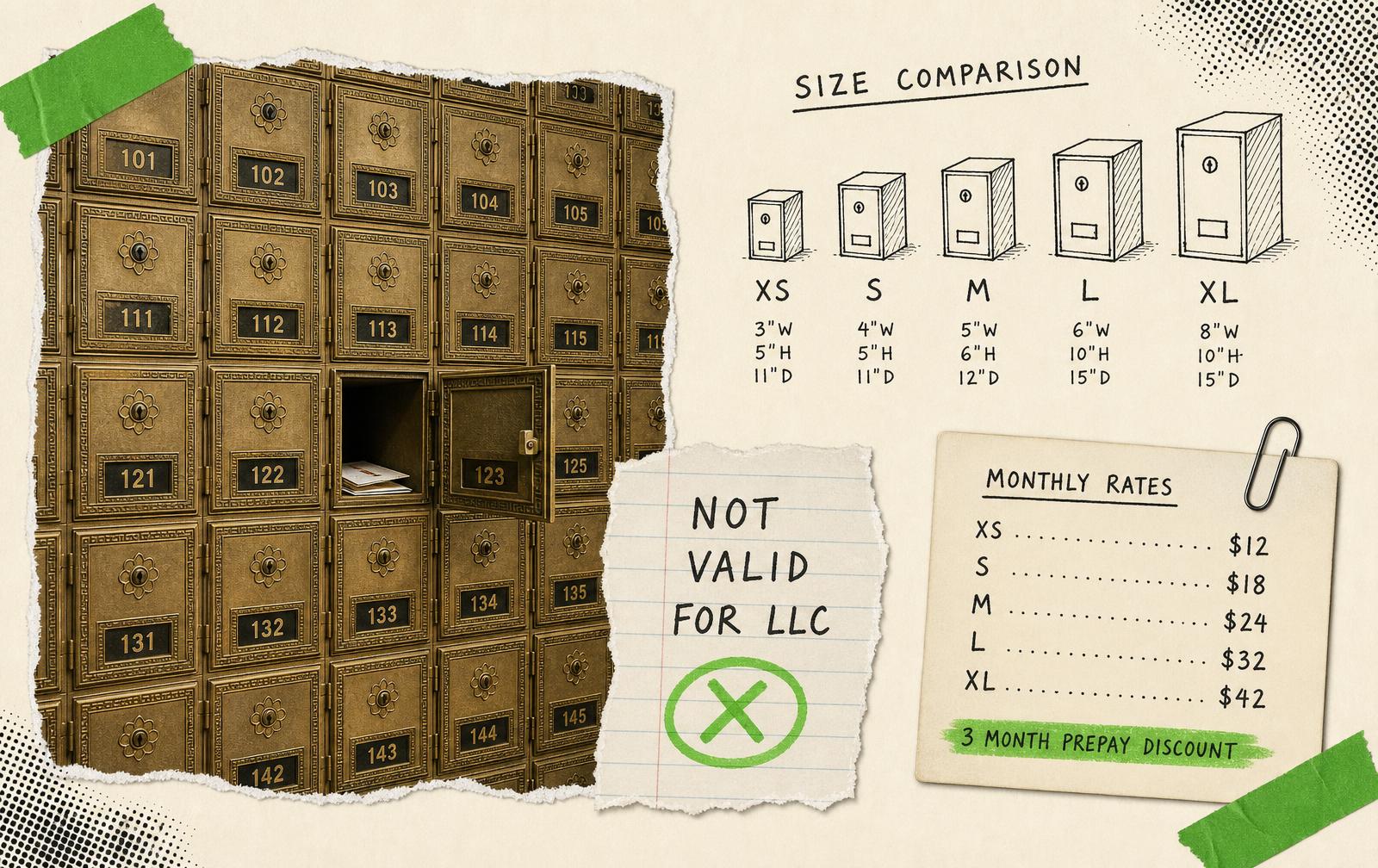
Choose your plan. Pick based on how much mail you expect in a month. You can move up or down later, so estimate rather than agonise.
Enter your details. Name, email, and your business information as prompted.
Pick your suite number. This becomes part of your mailing address at 1655 S Blue Island Ave, ten minutes from the Loop, with parking on site.
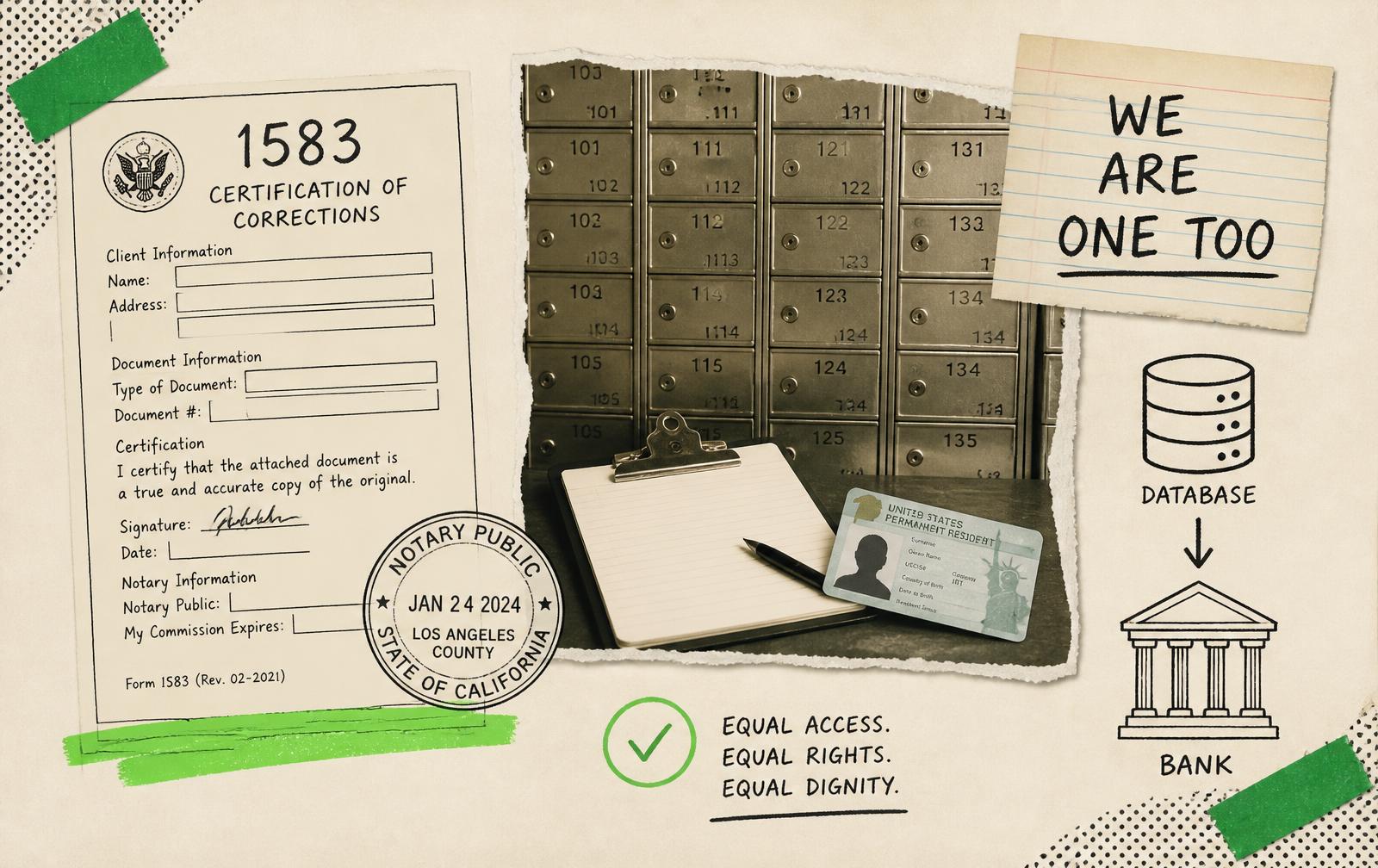
Complete and notarise USPS Form 1583. This is the federal requirement that authorises us to receive your mail. You will need two forms of ID, one with a photo. You can sign it at our front desk. Our Form 1583 guide walks through it, and the rules behind it explain which documents are accepted.
Finalise and verify. Once the form clears, your address is live and you can start using it immediately.
Put the new address on your website, invoices, business cards and directory listings. Consistency across all of them helps your local search visibility.
Using the features
Mail scanning
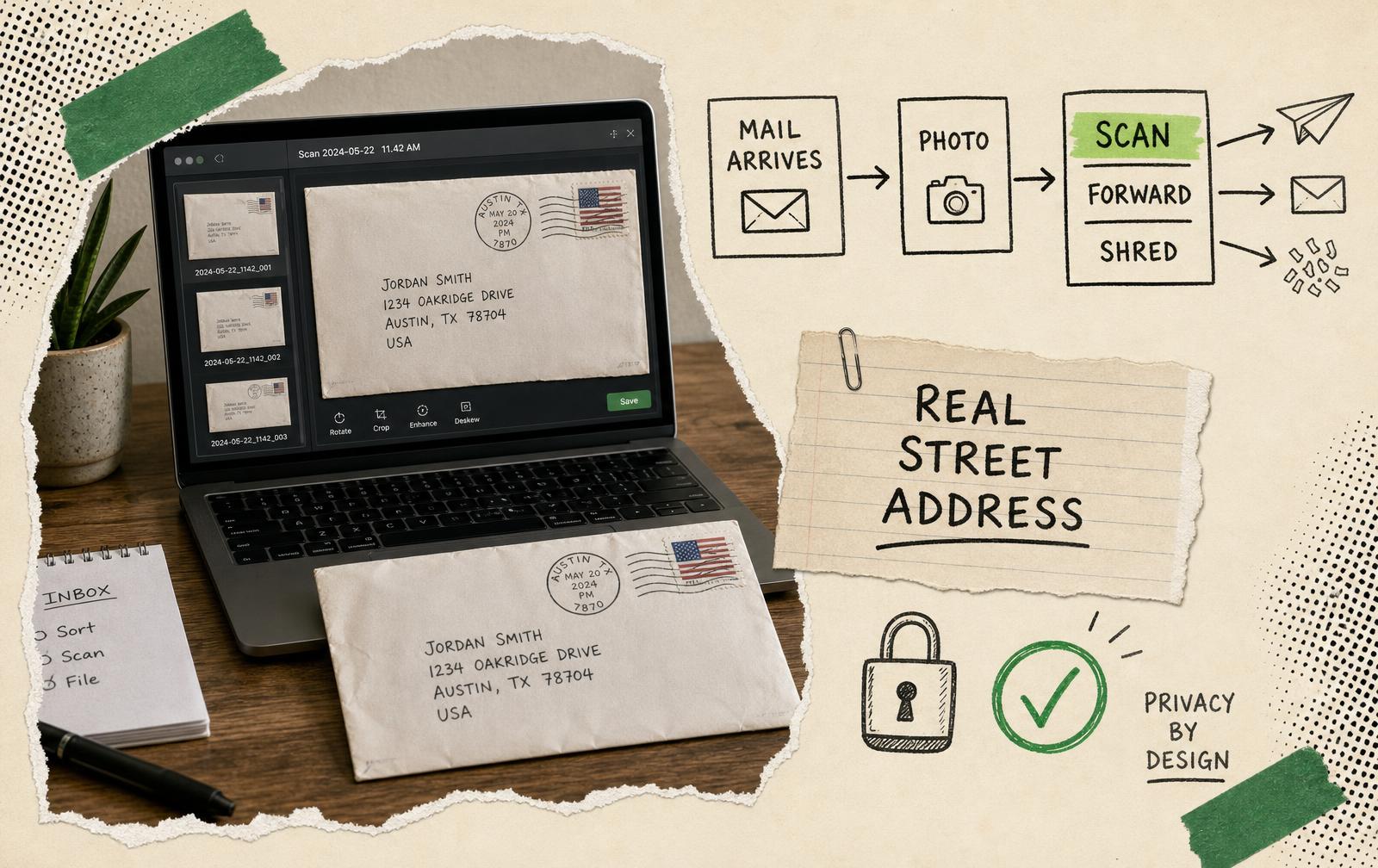
When something arrives, you get a photo of the envelope. If you need to see inside:
- Open the item in your inbox
- Choose Request Scan
- Our team opens it, scans the contents, and uploads a PDF
Scanning fees are per item and depend on your plan.
Mail forwarding
For anything you need physically:
- Select the item
- Choose Request Forwarding and enter the destination
- Pay postage, calculated by size and destination
Worth knowing: group several items into one forwarding request. Postage on one packet beats postage on four.
Mail shredding
For anything sensitive you do not want to keep:
- Select the item
- Choose Request Shred
- You get confirmation in the portal once it is destroyed
Mail storage
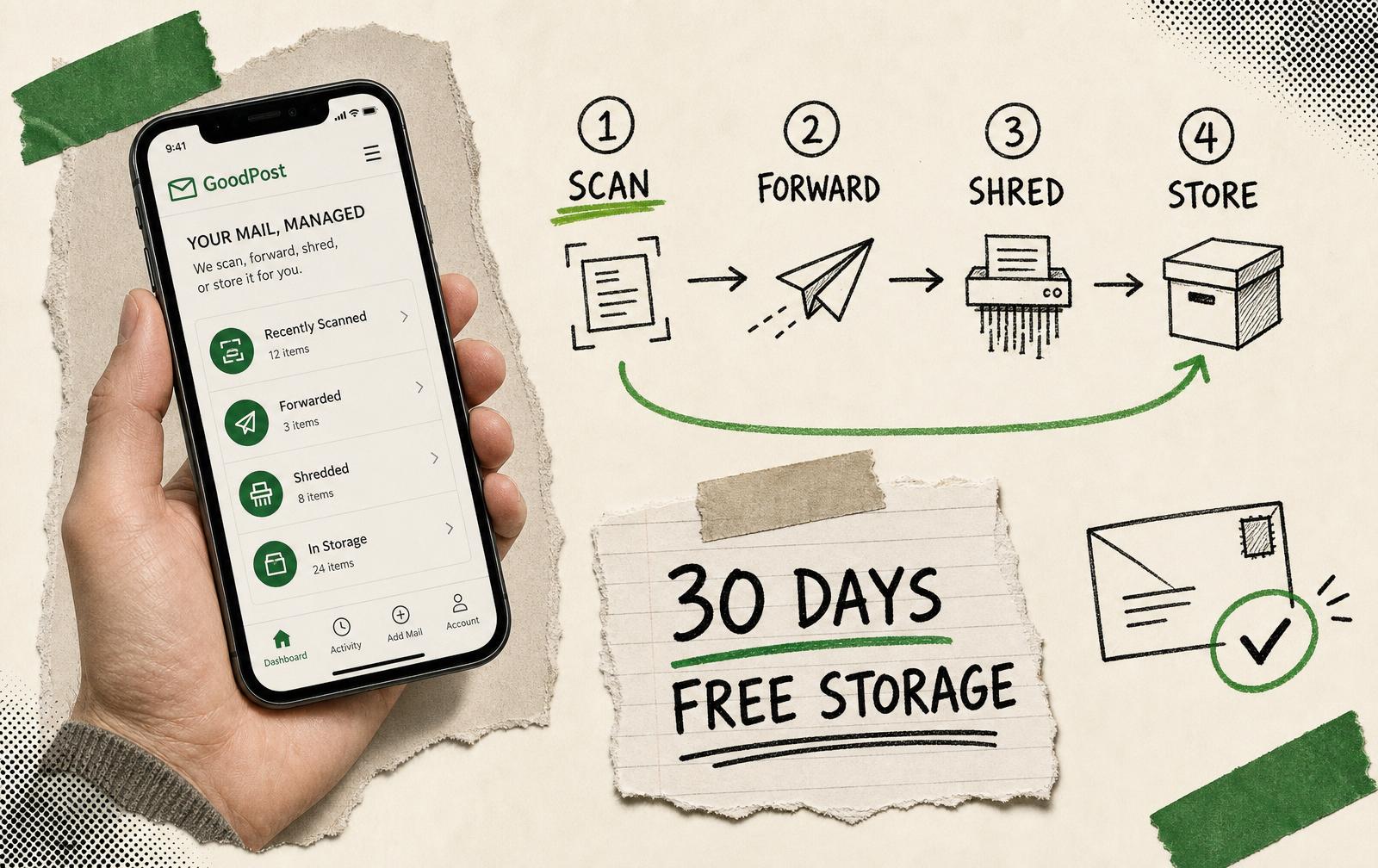
We hold your mail free for 30 days. After that, storage fees apply. Act on items rather than letting them accumulate.
What the actions cost
The platform is pay-as-you-go by design, so you are only charged for what you use:
- Scanning: per item or per page
- Shredding: a small per-item fee
- Forwarding: postage plus handling
- Storage: only past the free 30-day window
Your plan details list the specifics. If anything is unclear, call us.
Getting the most out of it
- Turn on email notifications so you know the moment something lands.
- Check in regularly. The 30-day storage window runs from arrival, not from when you notice.
- Batch your forwarding. It is the easiest saving available.
- Scan rather than forward where you only need the information, not the paper.
- Shred anything with personal details rather than leaving it sitting.
Need a hand
You can manage everything from the Anytime Mailbox app or the web portal. If something looks wrong, call us on (312) 248-7020. You will reach someone who can physically walk to your mailbox and look.
That is the part a national mail service cannot offer, and it is the reason most of our members stay.
Ready to start? Compare mailbox plans, see full pricing, or get in touch. If you also need a signed agreement, meeting room access and member amenities, compare the virtual office with the mailbox.